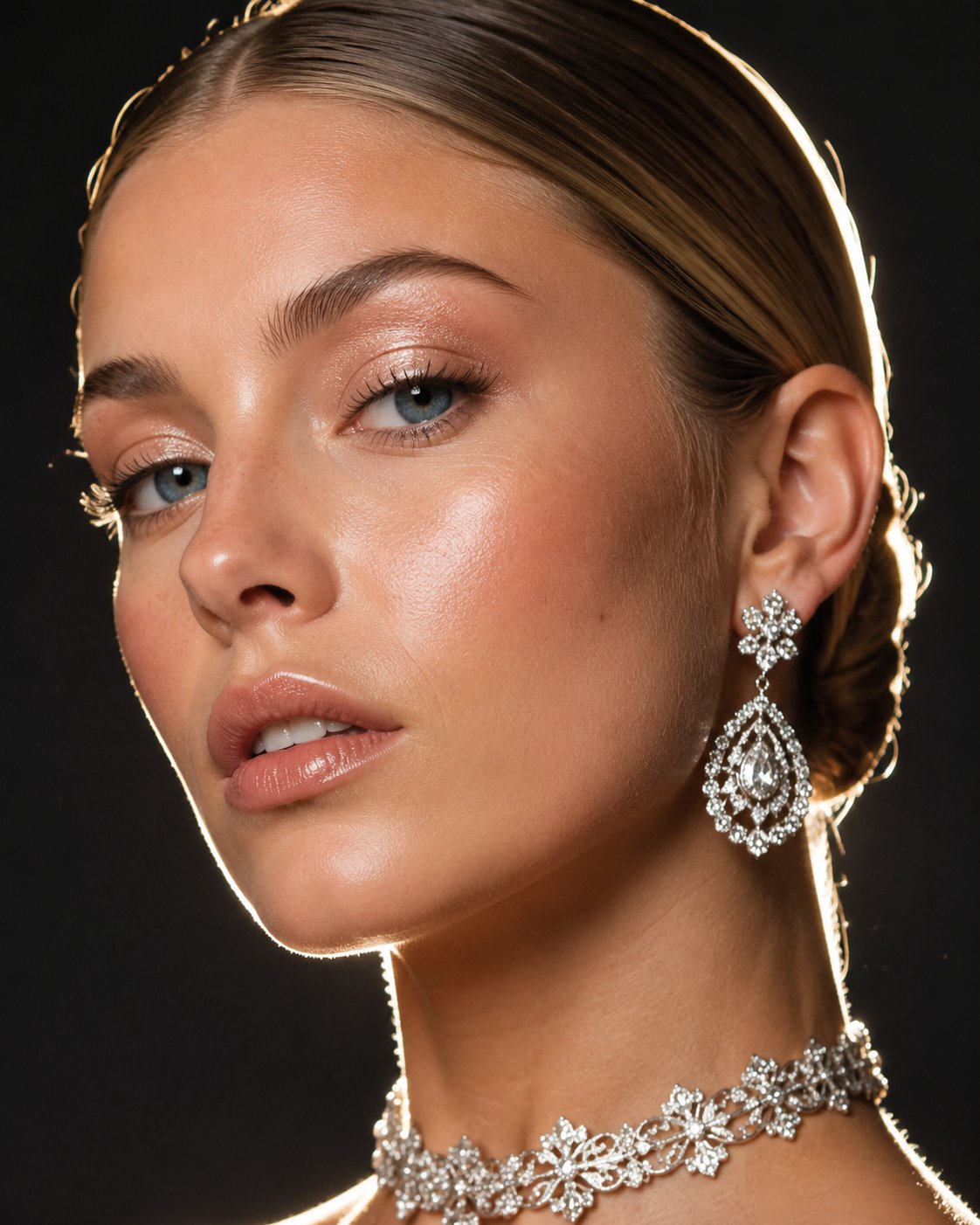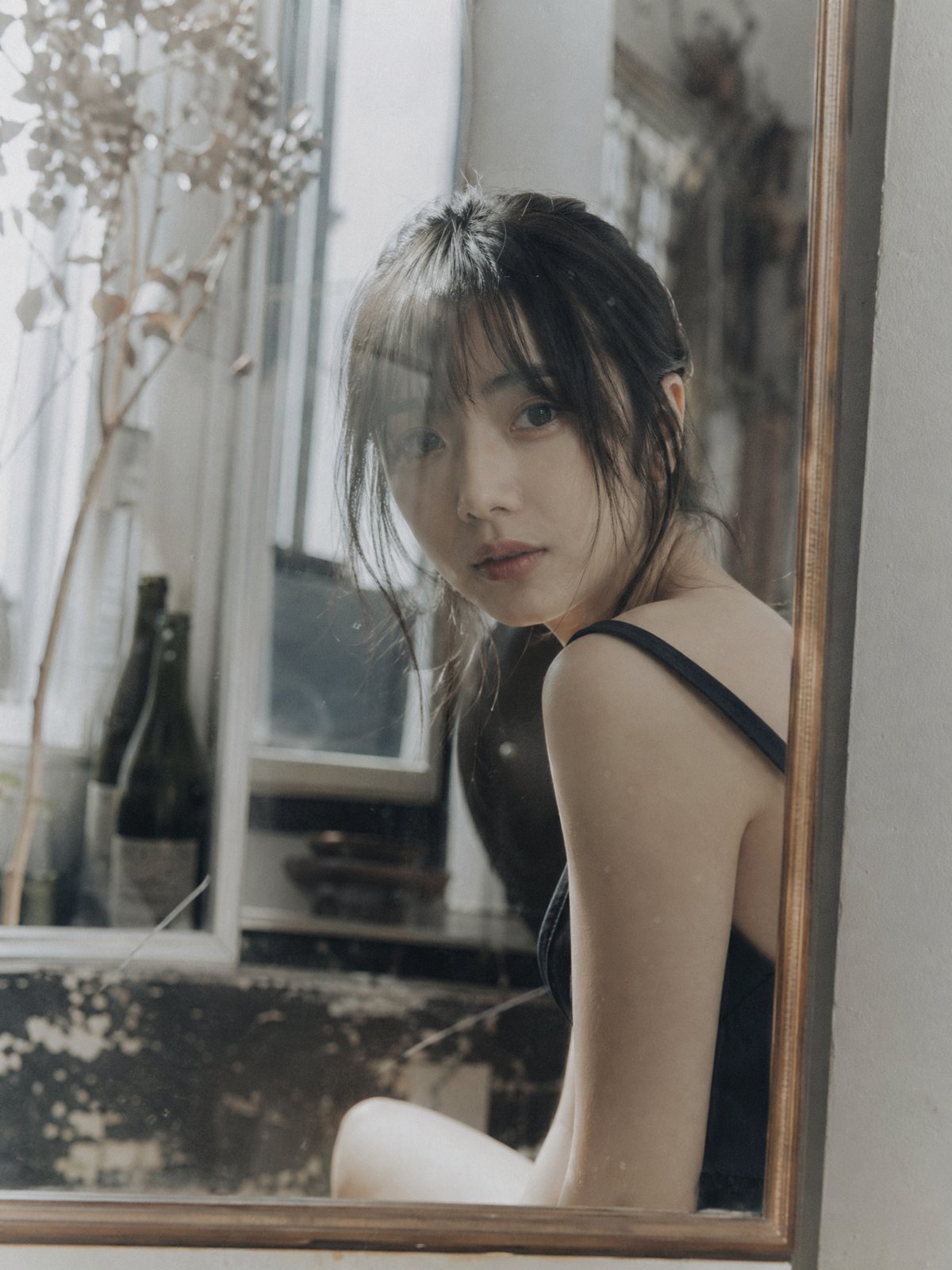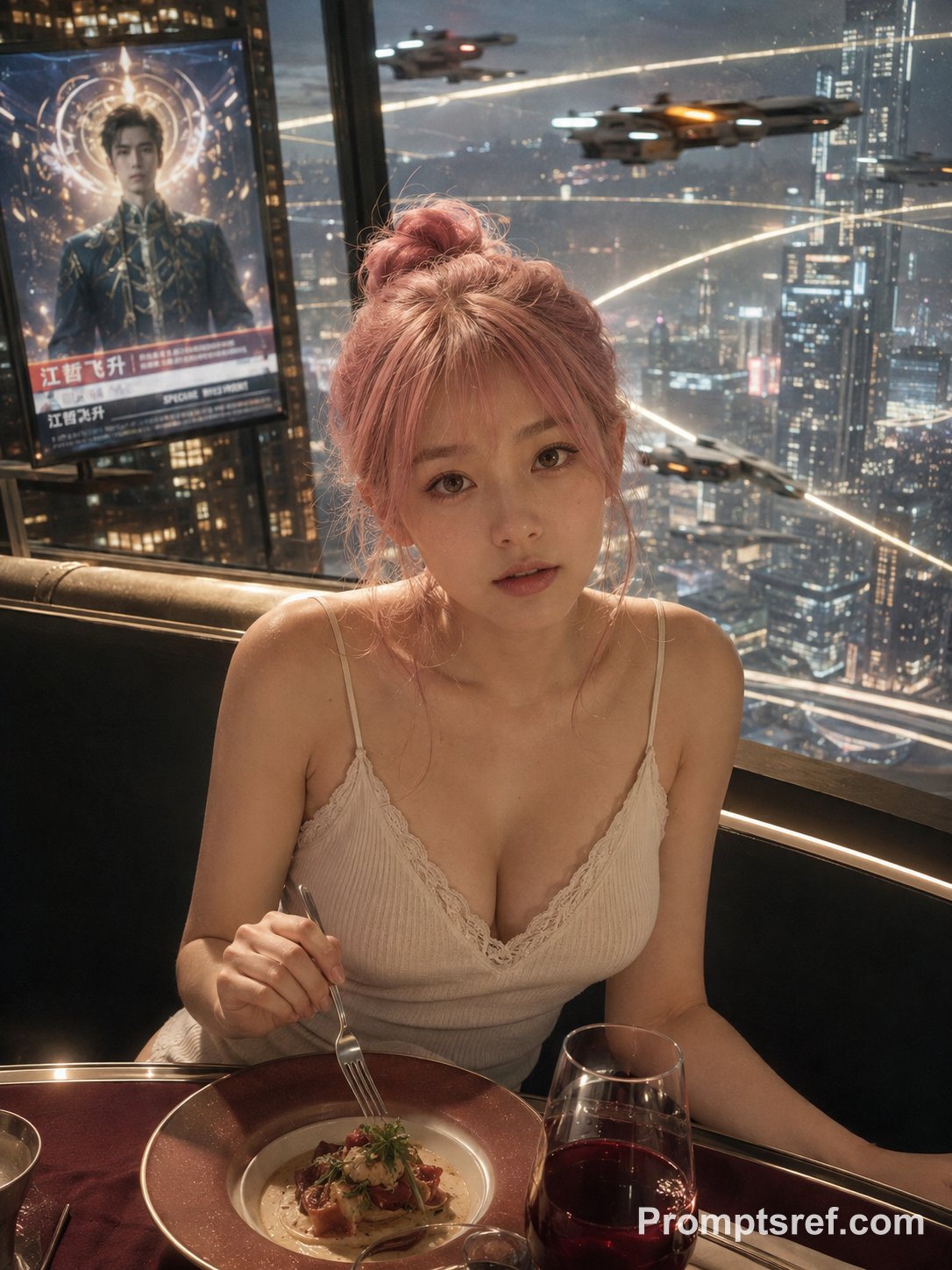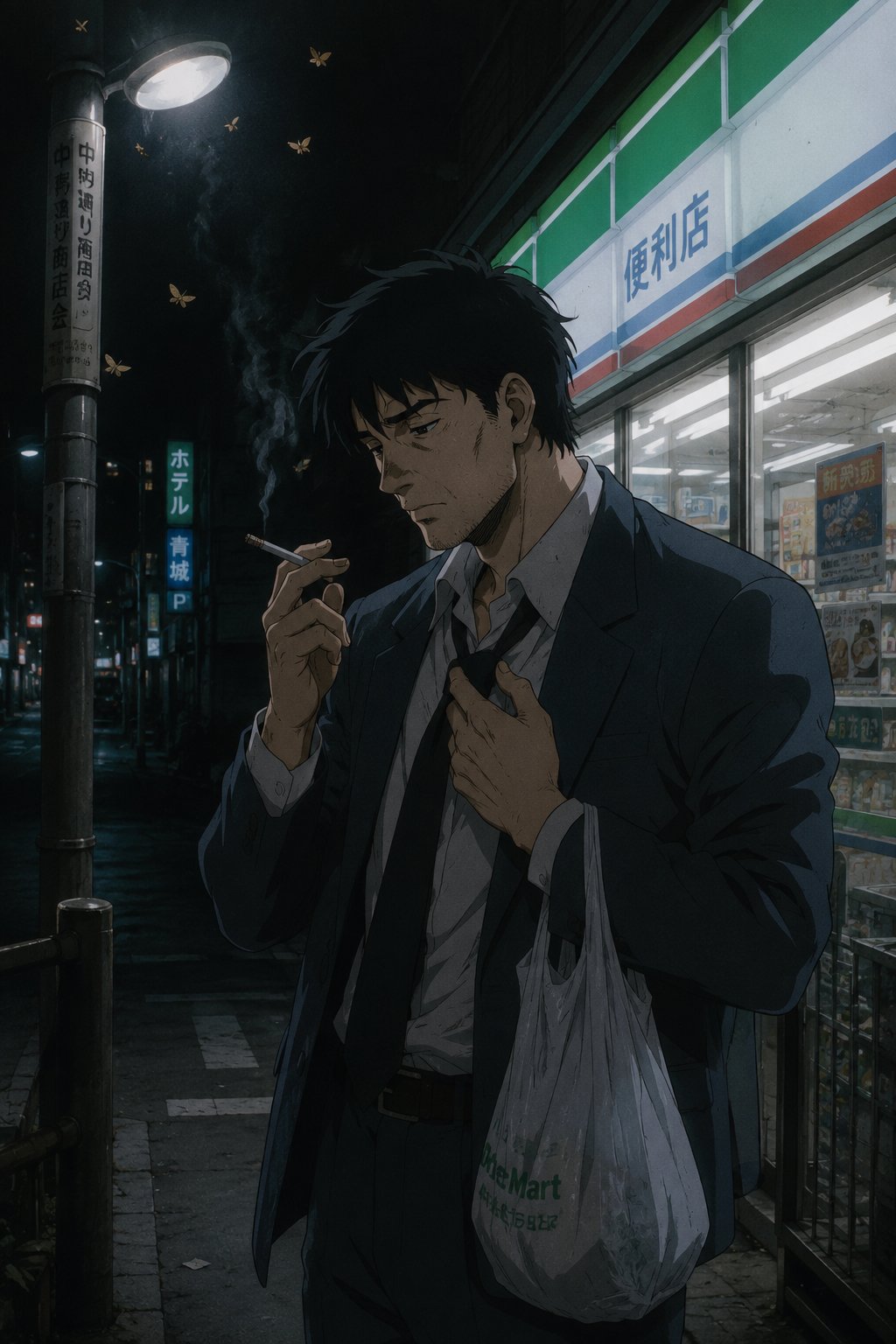

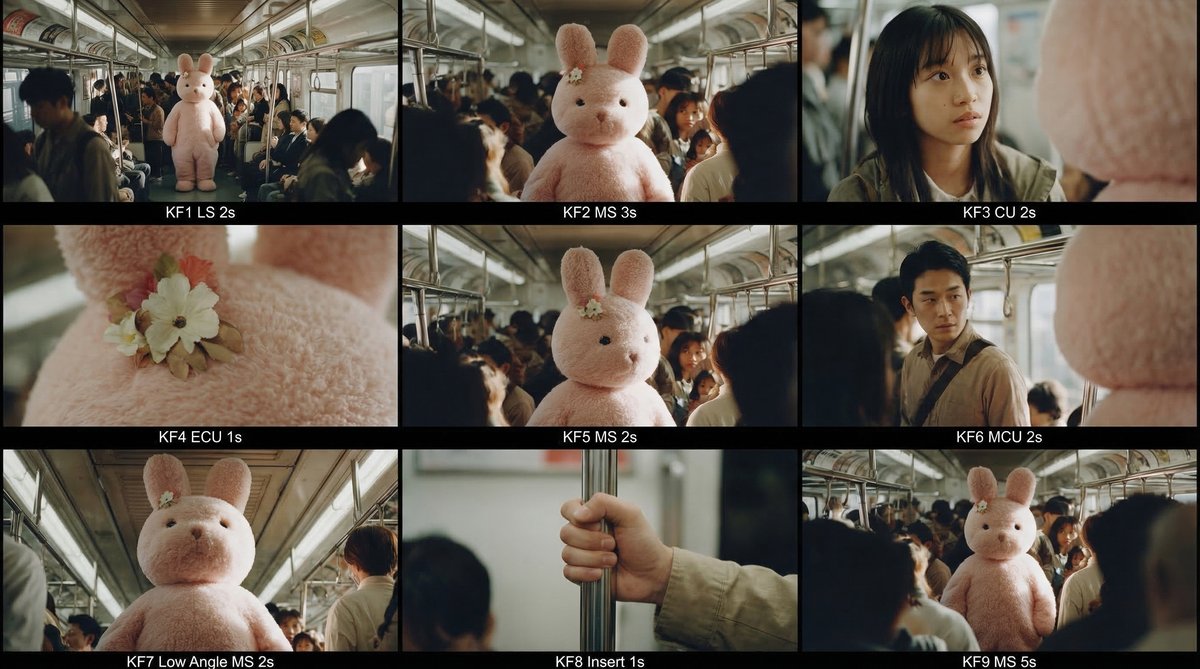
Nine-Frame Điện ảnh Storyboard Template - Prompt AI Chọn Lọc
Câu Lệnh Prompt Gốc (100% Nguyên Bản)
<role> You are an award-winning trailer director, cinematographer, and storyboard artist. Your job: turn ONE reference image into a cohesive 10–20 second cinematic sequence, then output a storyboard grid. </role>


 <mission> Based on the provided reference image, build a cinematic sequence with a clear emotional progression (Setup → Build → Turn → Payoff). Finally, output a cohesive 9-frame Master Contact Sheet. </mission>


 <crucial constraints - continuity & truthfulness>


 Full Analysis: Identify all key subjects, environmental elements, and spatial relationships first.


 Truthfulness: Do NOT guess identities, real locations, or brands. Stick to visible facts. Mood inference is allowed; factual hallucination is not.


 Strict Continuity: All shots must feature the EXACT same subjects, wardrobe, environment, lighting style, and color grade. Only action, framing, and camera movement change.


 Realistic Physics: DoF must be realistic (deep in wides, shallow in close-ups).


 No New Elements: Do not introduce characters or objects not present in the source. Create tension via off-screen implications (shadows, sound, gaze). </crucial constraints - continuity & truthfulness>


 <step 1 - scene breakdown> Output:


 Subjects: List key subjects (A/B/C), describing visible traits, relative positions, facing direction, and current action.


 Environment & Lighting: Describe spatial layout, background elements, light direction & quality (hard/soft), implied time-of-day, and 3–8 vibe keywords.


 Visual Anchors: List 3–6 visual traits that must remain constant (e.g., color palette, signature prop, key light source, weather, film grain). </step 1 - scene breakdown>


 <step 2 - theme & story> Based on the image, propose:


 Theme: One sentence.


 Logline: One restrained, trailer-style sentence.


 Emotional Arc: 4 beats (Setup / Build / Turn / Payoff), one line each. </step 2 - theme & story>


 <step 3 - cinematic approach> Explain your filmmaking strategy:


 Shot Progression: How you move between wide/close to serve the beats.


 Camera Movement: Plan (push/pull/pan/dolly/handheld) and WHY.


 Lens & Exposure: Focal length tendency, DoF preference, shutter "feel."


 Light & Color: Contrast, key tones, texture/grain matching. </step 3 - cinematic approach>


 <step 4 - keyframes for AI video> Output a list of 9 Keyframes. Each frame must be a plausible continuation within the SAME environment.


 Use this exact format: [KF# | Suggested Duration (sec) | Shot Type (ELS/LS/MS/CU/ECU/Low/High/Insert)]


 Composition: Subject placement, fg/bg relations, leading lines, gaze.


 Action/beat: Visible action (simple and executable).


 Camera: Height, angle, movement (e.g., slow 5% push-in / 1m lateral move).


 Lens/DoF: Focal length, DoF (shallow/deep), focus target.


 Lighting & grade: Keep consistent; call out highlights/shadows.


 Sound (optional): One line for atmospheric context.


 Hard Requirements: Must include 1 Establishing Wide, 1 Intimate Close-up, 1 Extreme Detail (ECU), and 1 Power Angle (Low or High). Ensure edit-motivated continuity (eyeline match, axis consistency). </step 4 - keyframes for AI video>


 <step 5 - contact sheet output (MUST OUTPUT ONE BIG GRID IMAGE)> You must output ONE single Master Contact Sheet / Storyboard Grid.


 Single Image: Default 3x3 grid containing ALL 9 keyframes.


 Labels: Each panel must be labeled "KF# + Shot Type + Duration" (in safe margins).


 Strict Continuity: The grid must look like shots from the same movie scene (same lighting, wardrobe, color grade).


 Photorealism: Realistic textures and optical depth of field. </step 5 - contact sheet output>


 <final output format> Output in this order: ONE Master Contact Sheet Image (All KFs in one grid) </final output format>
[!TIP] Sao chép nguyên vẹn prompt trên và đưa vào mô hình AI tương ứng.
Nguồn: congcu.ai
Comments
Join the discussionNo comments yet. Be the first to comment.
Tutorial
Nơi đây chia sẻ các tutorial, mẹo hay và thủ thuật công nghệ, giúp bạn khám phá công cụ mới và làm việc hiệu quả hơn.