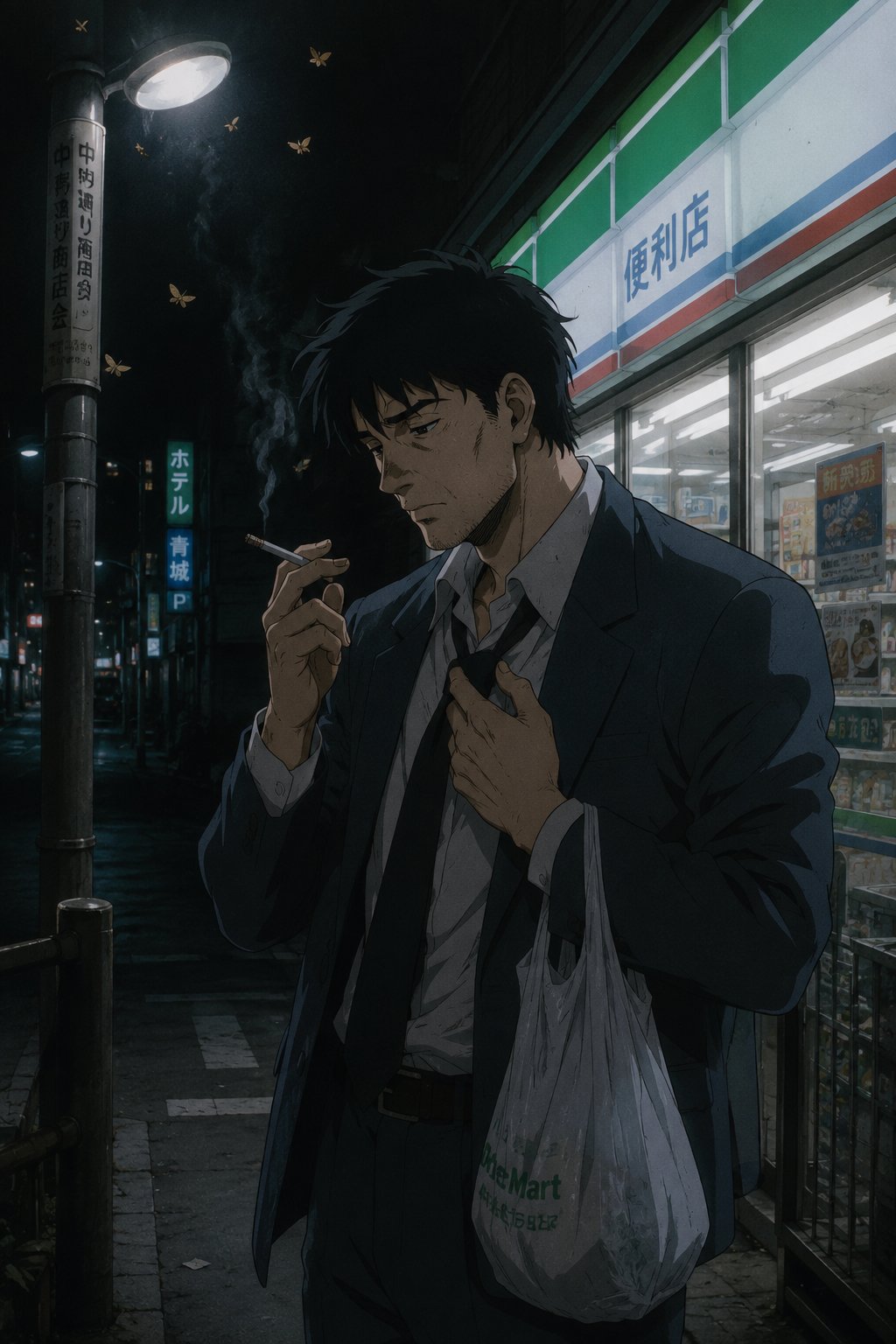

Torn-Paper Line-Art Reveal Edit - Prompt AI Chọn Lọc
Câu Lệnh Prompt Gốc (100% Nguyên Bản)
task: "edit-image: add widened torn-paper layered effect"


base_image:

  use_reference_image: true

  preserve_everything:

    - character identity

    - facial features and expression

    - hairstyle and anatomy

    - outfit design and colors

    - background, lighting, composition

    - overall art style


rules:

  - Only modify the torn-paper interior areas.

  - Do not change pose, anatomy, proportions, clothing details, shading, or scene elements.


effects:

  - effect: "torn-paper-reveal"

    placement: "across chest height"

    description:

      - Add a wide, natural horizontal tear across the chest area.

      - The torn interior uses the style defined in `interior_style`.


  - effect: "torn-paper-reveal"

    placement: "lower abdomen height"

    description:

      - Add a wide horizontal tear across the lower abdomen.

      - The torn interior uses the style defined in `interior_style`.


interior_style:

  mode: "line-art"


  style_settings:

    line-art:

      palette: "monochrome"

      line_quality: "clean, crisp"

      paper: "notebook paper with subtle ruled lines"


    sumi-e:

      palette: "black ink tones"

      brush_texture: "soft bleeding edges"

      paper: "plain textured paper"


    figure-render:

      material: "PVC-like"

      shading: "semi-realistic highlights"

      paper: "plain smooth surface"


    colored-pencil:

      stroke_texture: "visible pencil grain"

      palette: "soft layered hues"

      paper: "rough sketchbook paper"


    watercolor:

      palette: "soft transparent pigments"

      blending: "smooth bleeding"

      edges: "soft contours"

      paper: "watercolor paper texture"


    pencil-drawing:

      graphite_texture: "visible pencil grain"

      shading: "smooth gradients"

      line_quality: "mixed sharp and soft"

      tone: "gray-scale"

      paper: "notebook paper with faint ruled lines"
[!TIP] Sao chép nguyên vẹn prompt trên và đưa vào mô hình AI tương ứng.
Nguồn: congcu.ai
Comments
Join the discussionNo comments yet. Be the first to comment.
Tutorial
Nơi đây chia sẻ các tutorial, mẹo hay và thủ thuật công nghệ, giúp bạn khám phá công cụ mới và làm việc hiệu quả hơn.