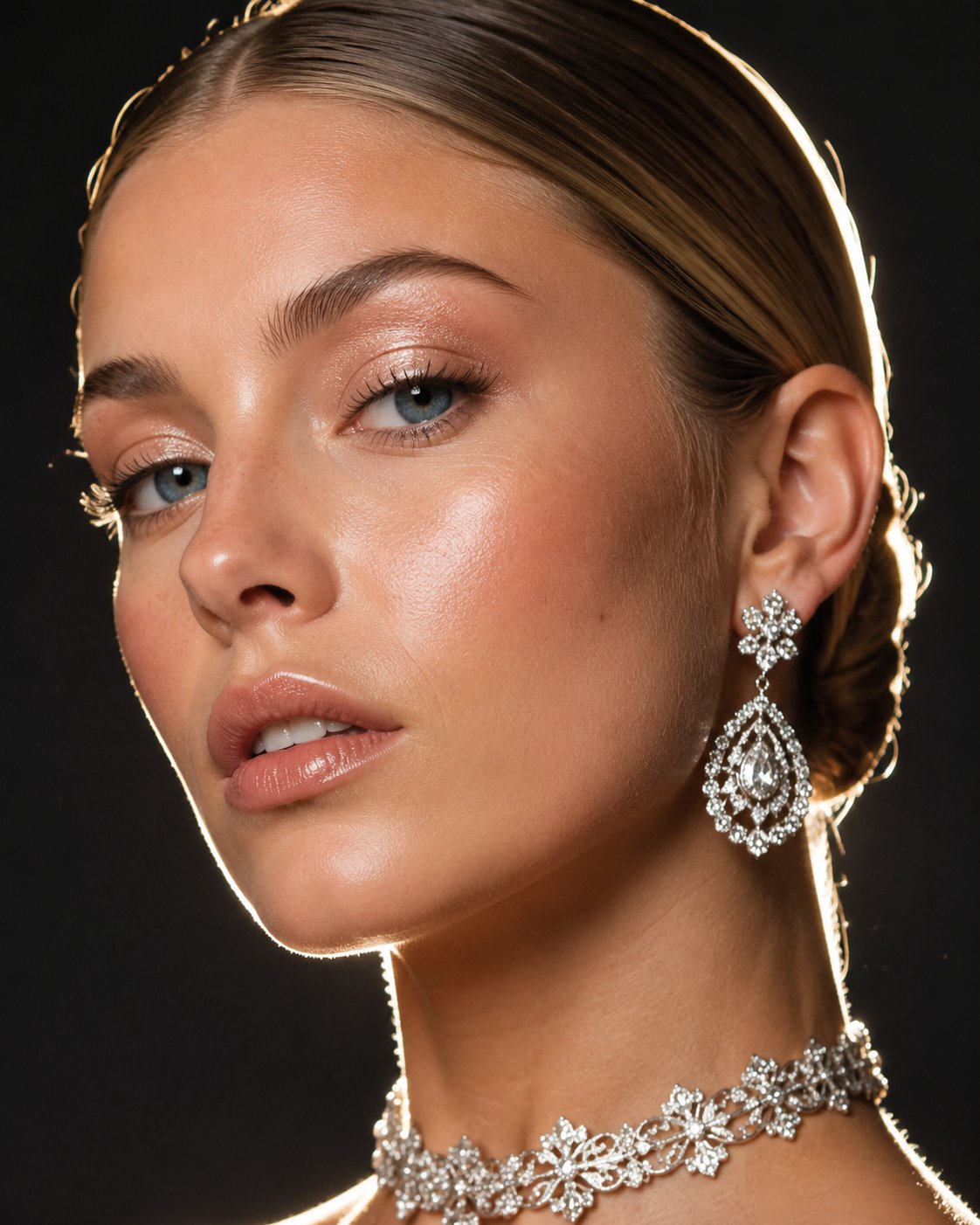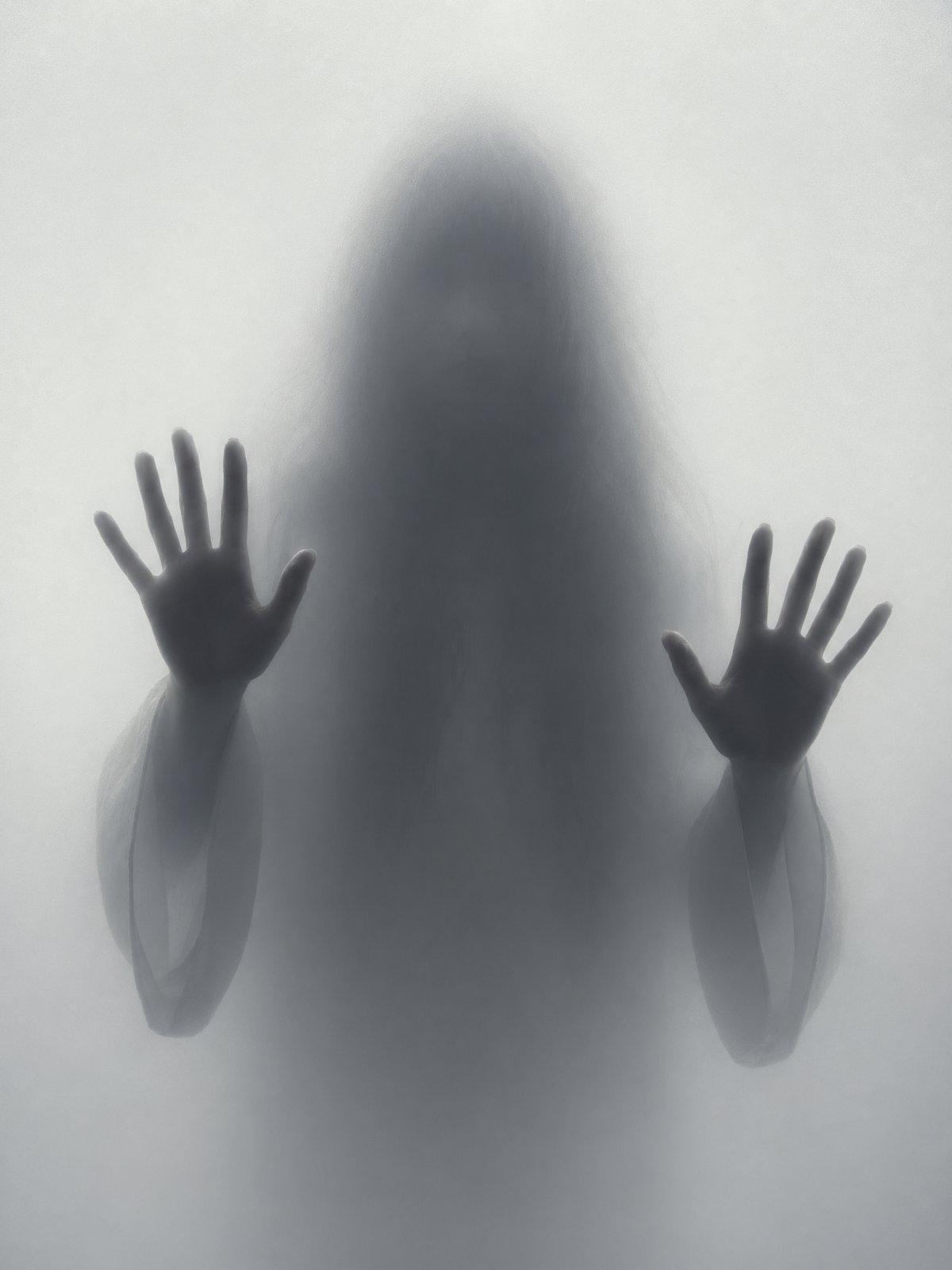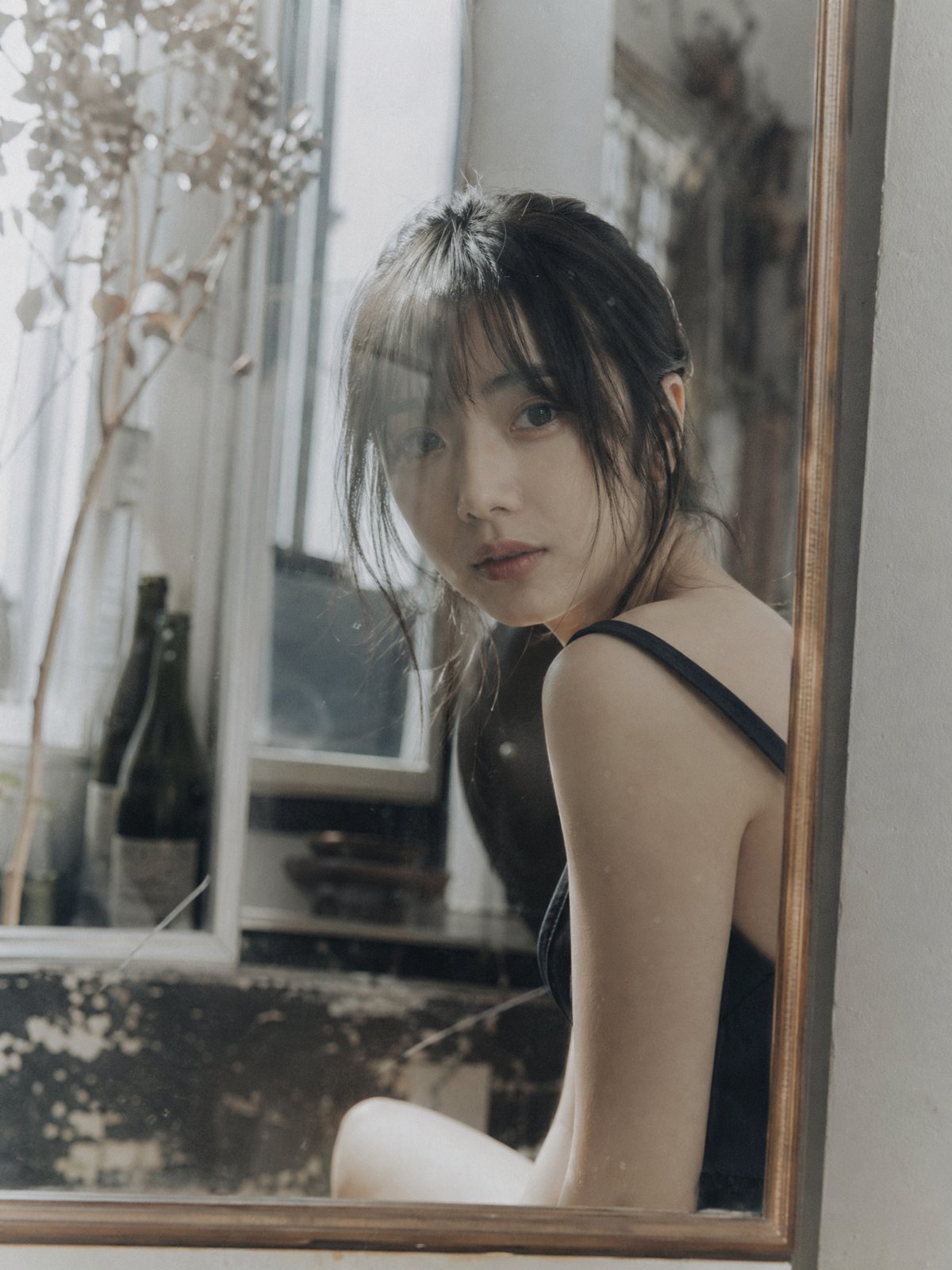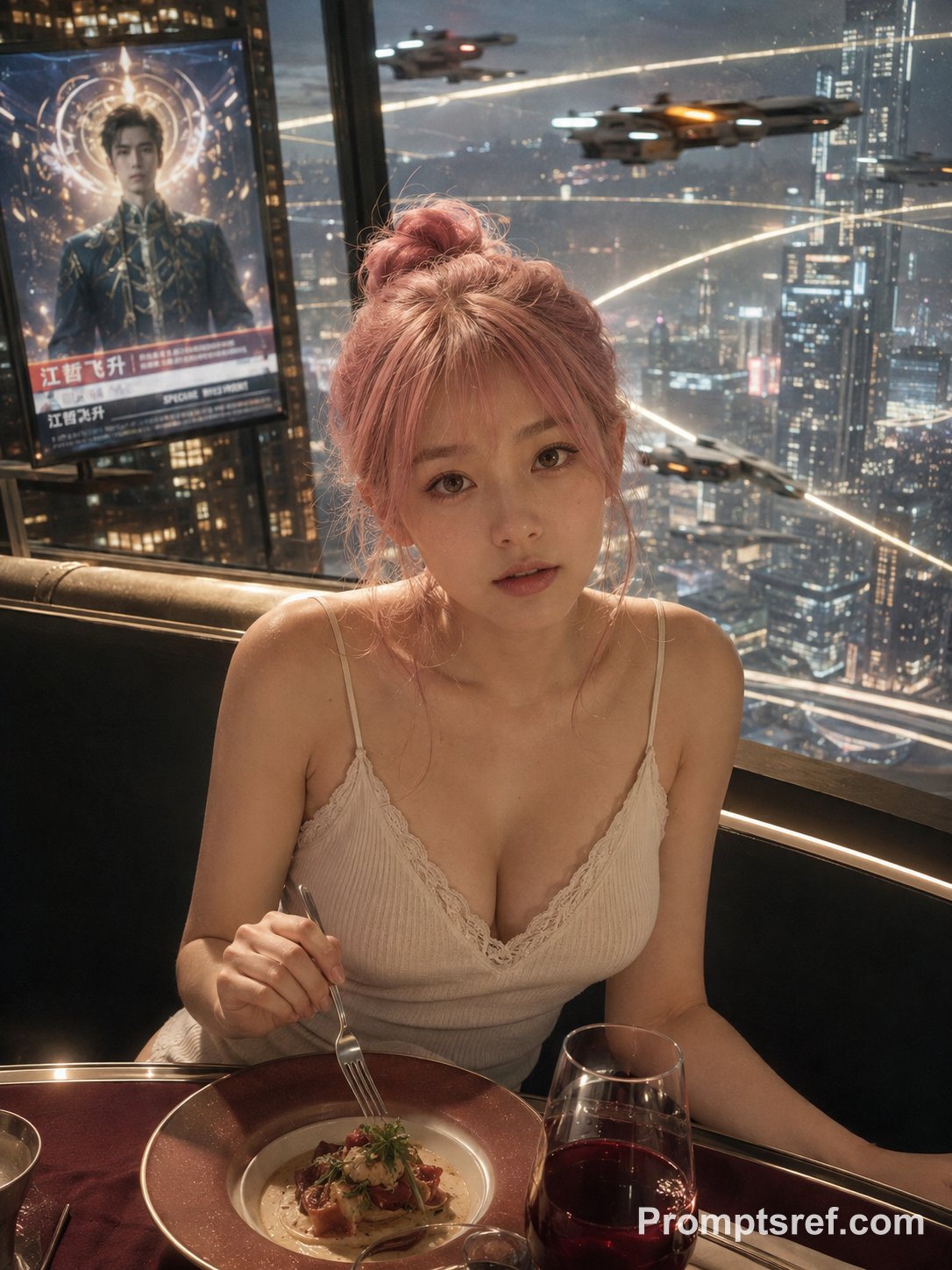
Interactive Hand-Drawn Doodle Photo Edit
Câu Lệnh Prompt Gốc (100% Nguyên Bản)
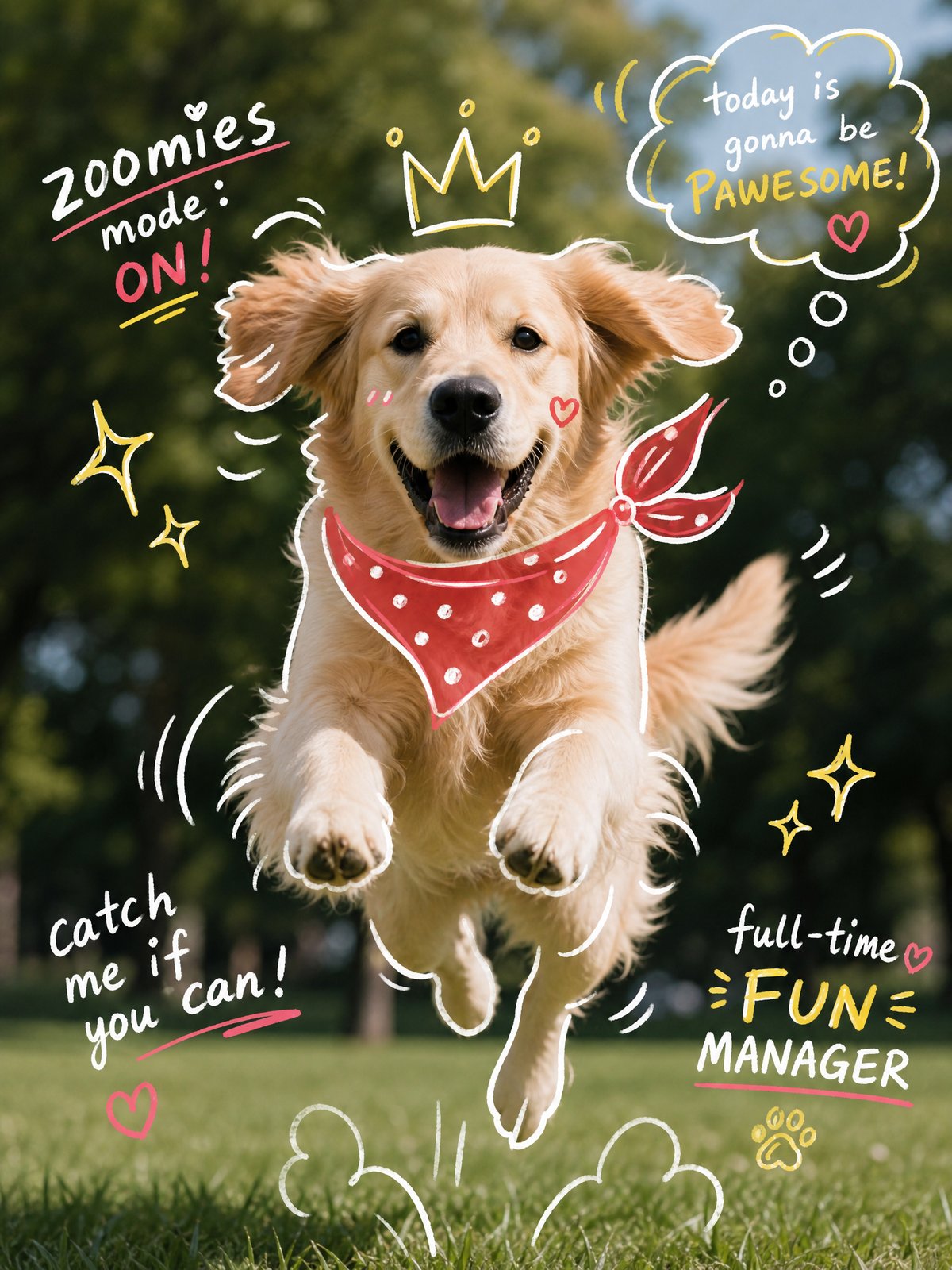
Analyze the uploaded image and preserve the original subject, composition, and lighting. Do not alter the identity or structure of the main subject. Add playful, hand-drawn doodles that interact directly with the subject in the image. The doodles should mimic, follow, or exaggerate the shapes, gestures, or motion present-such as outlining poses, extending limbs, adding motion lines, or creating imaginative elements that


"respond" to the subject.


Ensure the doodles feel naturally integrated into the scene, as if they were drawn on top of the photo with intention.


Use a sketchy, imperfect, hand-drawn style with organic lines, slightly uneven strokes, and a casual illustrated feel.


Include whimsical handwritten text elements placed around the image. The text should match the mood or implied context of the scene, with a playful and spontaneous tone.


Avoid fixed phrases-generate context-aware, creative, and humorous text that fits each unique image. Maintain a balanced composition so the doodles enhance the image without overwhelming the original subject. Keep the overall aesthetic fun, expressive, and social-media-ready. High resolution, clean overlay, vibrant yet natural color harmony.
[!TIP] Sao chép nguyên vẹn prompt trên và đưa vào mô hình AI tương ứng.
Nguồn: congcu.ai
Comments
Join the discussionNo comments yet. Be the first to comment.
Tutorial
Nơi đây chia sẻ các tutorial, mẹo hay và thủ thuật công nghệ, giúp bạn khám phá công cụ mới và làm việc hiệu quả hơn.